Google

11 February 2019

Roll Back SharePoint Column Changes with Flow or Workflow

In two new kalmstrom.com Tips articles I describe how unwanted column changes can be rolled back with a flow or workflow.

Protect column values
SharePoint Designer iconBy default, SharePoint users have Edit permission over lists and libraries, and that allows them to change column values. Users must have this permission level to be able to work actively with the content, but this means that they also can change column values that should be kept as they are. It is possible to restrict their access to certain items or documents, but it is not possible to restrict access at column level.

Flow iconI therefore suggest a workflow or flow that simply rolls back any changes in the column that should be protected. This does not stop the column value from being changed, but as the unwanted change starts the flow/workflow and the change is rolled back, no harm is actually done. Any changes can still be seen in the version history, if you want to track them.

Set original column value
The process is similar for both automation methods. We assume that the first value that was added to the column is the original one, that should be kept. The first step is therefore to decide what that value is and save it in another, hidden, column.

Check if the value has been changed
Next step, is to decide if the column that should be protected has been changed. If that condition is true, the flow/workflow will roll back the modification so that the changed column gets the value from the hidden column.

Workflow
To automate this process in SharePoint Designer, I recommend creating two workflows: one that runs at creation and sets the original value and one that runs at changes and rolls back any modifications of the protected column.


Flow
If you prefer to use a flow for the roll-back process, it becomes a bit more complicated. That is because Microsoft Flow does not (yet) have the SharePoint trigger "when an item is modified".

Instead, we have to use the trigger "when an item is created or modified" and make the flow understand if there has been a creation or a modification. We can do that with a condition that checks if there is a "null" value or not. SharePoint columns have such a value before they are used for the first time.


Microsoft has created Flow to have a more user friendly alternative to workflows. In this case, however, I find the two workflows easier to build than the single flow. I hope that Microsoft will add the SharePoint trigger "when an item is modified" to Flow in a near future.

By Peter Kalmström
CEO and Systems Designer
kalmstrom.com Business Solutions

07 February 2019

SharePoint Online Essentials for All Users

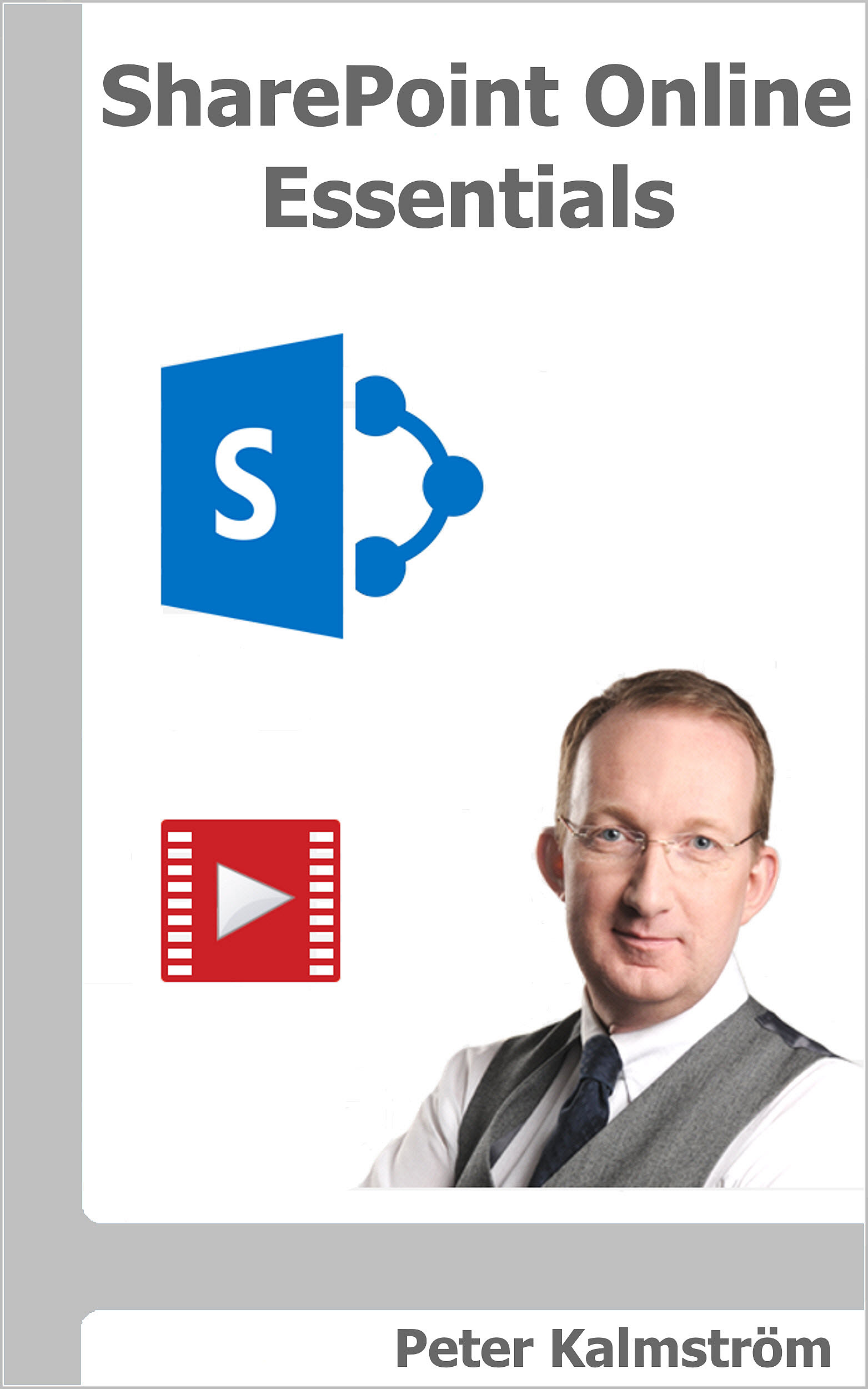
SharePoint Online Essentials cover I am happy to announce the release of my new book and e-book: SharePoint Online Essentials. It is intended for SharePoint Online users with no administrative capacity – just ordinary users with the default Edit permission or less.

Requests for a basic book
I have earlier written several more advanced books about SharePoint Online: SharePoint Online from Scratch, SharePoint Online Exercises and SharePoint Flows from Scratch. These books have become popular among SharePoint administrators and other power users who need to understand more about SharePoint than the basics.

However, I have also been asked to write a book about only those features that each SharePoint user needs to know to work efficiently with SharePoint. That is why I have put together SharePoint Online Essentials. Just like my other books, this new one has links to articles with video demonstrations from the kalmstrom.com Tips section.

Modern exercise included
SharePoint Online Essentials includes basic information about classic and modern sites, pages and apps. Readers will also learn how to share content and how to work with SharePoint lists and document libraries.

At the end of the new book, I have included an exercise from my book SharePoint Online Exercises: "Create a modern sites intranet". Here readers can make practical use of what they have learned by building and customizing modern team and communication sites and giving them a joint navigation. The process is explained step by step with many images.

Give to each user!
Peter Kalmström on Amazon.comSharePoint Online Essentials can be purchased from Amazon, and the book is available as a Kindle e-book and in a paperback edition.  If you buy the paperback from amazon.com you will have the e-book for free, as SharePoint Online Essentials – just like all my other books – participates in the Kindle Matchbook program.

I hope that organizations who are introducing SharePoint Online to their staff will find SharePoint Online Essentials a good help when it comes to educate the users. Therefore, I have decided to nearly give it away. That is not possible on Amazon, but the e-book is only $0.99. The paperback must cover the printing costs, so here I had to accept a higher cost: $3.99.

SharePoint Online Essentials may also be downloaded as a free PDF file from the European SharePoint, Office 365 & Azure Community.

Marketing
SharePoint Online Essentials will not make me a rich man, but in the long run, I of course hope that the book will serve as a marketing tool for my more advanced books and also for the kalmstrom.com products and services. We already see that new customers often refer to the books and the kalmstrom.com Tips articles.

By Peter Kalmström
CEO and Systems Designer
kalmstrom.com Business Solutions

05 February 2019

A Successful Adventure – A Decade Of Cooperation

Jayant Rimza In February 2009 I hired a young but very capable developer for the kalmstrom.com products. Today he is my friend and business partner, and I owe him a lot. His name is Jayant Rimza, and since 2010 he has been the director of the kalmstrom.com Indore office.

In 2009 we still hired our few Indian employees through a partner who had his interest in kalmstrom.com as a side hobby. That worked well in the beginning, but as the demand for the kalmstrom.com products grew, we wanted something that would give better control, more dedication and an enhanced team feeling.

TimeCard for Outlook iconAfter some time, I realized that Jayant Rimza was the right person to build the qualified team we needed. He was also eager to try, so we decided to start on our joint adventure. At that time, the kalmstrom.com portfolio had only a few Outlook add-ons: Calendar Browser, TimeCard and Folder HelpDesk. However, both Jayant and I had a lot of ideas that we wanted to develop and try on the market.
The kalmstrom.com Indore team
Today I can say that our cooperation has been a success, both on the business level and personally. During Jayant's management, the Indian team has grown considerably and is now more qualified than ever, and we have many more kalmstrom.com products. Most of the younger solutions are created for SharePoint, a Microsoft platform that was rather new in 2009 but where we both saw a great potential.

SharePoint iconAs more customers spread the word about kalmstrom.com Business Solutions, there was a demand for custom solutions and support contracts as well. Today, these services has become an important part of our business. We both appreciate this development, as it makes our work more varied and interesting.

Jayant and I get along very well also on a personal level – and I have found an Indian family! Since 2009 I have tried to visit India at least once a year, and the Rimza family has always taken very good care of me. Below I am posing for the camera with Jayant's wife, Sushma, Jayant and their son Atiksh.
Peter and Jayant
I have attended several weddings, and I have travelled with Jayant and the team and seen many fascinating places. Two more skilled and dedicated family members have also joined the kalmstrom.com team: Vijayant and Rituka.

I chat with Jayant nearly every day, to plan the current custom solutions and future development of the kalmstrom.com products. He often gives good suggestions, but even when we don't agree on how things should be done, we can always discuss in good humour and come to a solution that satisfies us both.

I am sure that my prosperous cooperation with Jayant Rimza and the Rimza family will continue many years into the future. It still feels like an adventure!

Peter Kalmström
CEO and Systems Designer
kalmstrom.com Business Solutions
07 January 2019

kalmstrom.com University Collaboration

During my recent visit to India it was agreed that kalmstrom.com will partner with a highly respected university in Indore.

MoU
A memorandum of understanding has been signed between and the Symbiosis University of Applied Sciences and the kalmstrom.com Indore office. Among the university's other industry partners are big corporations like Hyundai, John Deer and SKF, but we think that our comparatively small business also can bring valuable input.

This MoU includes many ways for the university to get access to the knowledge of the kalmstrom.com developers and testers, but the most important point is the internship program.

Industrial training
After three years of university studies, the students will spend their final year at the kalmstrom.com office for industrial training. After that year, each student will write a report, and on basis of that report and maybe a live project, they will have their Bachelor of Technology exam.

In the image below, I am posing for the camera together with Jayant Rimza, Director of the kalmstrom.com Indore office, and managers from the Symbiosis University, among them Dr. Ashok Bhansali, Professor & Dean, and Dr. Rajdeep Deb, with whom I cooperated in a SharePoint workshop.
SharePoint workshop at the Symbiosis University of Applied Sciences
SharePoint teaching
To inaugurate the new partnership, I had a SharePoint lecture as well as a workshop together with Dr. Rajdeep Deb. It was a truly inspiring experience to meet the young, eager students.

I have taught similar classes many times before, but seldom have my attendees been so receptive to my advice and suggestions. They also offered many insightful questions, and we had interesting discussions on what SharePoint can and should be used for.

In the practical exercises, the group showed enthusiasm and willingness to try new things, far outside of what I managed to show them in my demonstrations. Additionally, the staff and facilities at Symbiosis are first class, making everything run smoothly without a glitch.
SharePoint workshop at the Symbiosis University of Applied Sciences
Mutual satisfaction
Jayant and I find it a great pleasure to be able to educate next generation of SharePoint experts, and we think that the students will find the environment in the kalmstrom.com office valuable for learning.

We have had many earlier interns, even if the collaboration with universities not has been formalized with a MoU, and these students have always appreciated the support from the kalmstrom.com team. A few of them have even joined the team after their graduation.

Next step in the process will be our review of the students who applied to kalmstrom.com for their one year internship. Then we are looking forward to welcoming new people in the team!

Peter Kalmström
CEO and Systems Designer
kalmstrom.com Business Solutions

03 January 2019

SharePoint Flows from Scratch in New Book

SharePoint Flows from Scratch CoverI am happy to announce the release of my new book SharePoint Flows from Scratch! Readers of my other books have asked for it, and I hope it will give the information they need to start exploring this rather new Microsoft service.

Cloud based service
Microsoft launched Flow in the beginning of 2016, as a future replacement for SharePoint Designer workflows. I still see the need for workflows, but Flow is a cloud based service that gives new options.

Flow can integrate across multiple data sources and deliver across multiple devices, from desktop to mobile. The flows can be used extensively for many online services, and often several of these services are combined in one flow. This cannot be done with a traditional workflow, which is restricted to a SharePoint site.

Automate SharePoint processes SharePoint icon
In SharePoint Flows from Scratch, I focus on flows that are created with SharePoint Online as one of the included services.

Flows can be used in all kinds of SharePoint Online lists and libraries to automate time consuming or repetitive processes. Such tasks are tedious to perform manually, so often they are performed badly or not performed at all.

Theory and Practice
I believe in learning by doing, but of course you cannot do anything if you don't know the basics. Therefore, SharePoint Flows from Scratch begins with several explanatory chapters that I hope readers will use as a reference. Among all theory, I have put in one simple flow to show the idea and make the reading more tangible.

After the theory chapters, I give 20 more example flows to practise on or use as templates. Each of these flows also give more Flow theory, so with the examples the readers expand their learning in two ways.

Video demonstrations
YouTube iconSharePoint Flows from Scratch has many links to related articles with video demonstrations in the kalmstrom.com Tips section. The demos come from our YouTube channel, which currently have more than 16 000 followers. Some of the Tips articles are about Flow, and for this book I have created more. (You might have read about these Tips articles and demos earlier in this blog.)

Unfortunately, for me, Microsoft changed the Flow Designer interface a bit late in 2018. The book was updated before publication, but the demonstrations still have the old interface. The difference is not big, so I don't think there will be a problem.

Vijayant Rimza imageKate Kalmstrom imageDipti Francis photoJitu Patidar image      
Teamwork
As always in my work, I have had help from kalmstrom.com team members. The SharePoint Flows from Scratch cover was created by Vijayant, who also designed the covers for my other books. Kate edited the text and made it easier to follow, and Dipti and Jitu has proofread the book and given valuable comments. Thank you!

SharePoint knowledge SharePoint Online from Scratch cover
To really benefit from SharePoint Flows from Scratch, you need to have some understanding of SharePoint, especially SharePoint Online. SharePoint features are only sporadically described in SharePoint Flows from Scratch. Anything else would make the book too big and expensive, and a lot of SharePoint explanations would be boring for those who already know SharePoint and only need to learn Flow.

SharePoint Online Exercises coverIf you want to learn SharePoint Online, I instead recommend two other books: SharePoint Online from Scratch explains in detail how SharePoint is built and how it can be used, from the very basic to advanced features, and SharePoint Online Exercises has a number of hands-on step-by-step instructions on how to create specific business solutions.

Book and e-book
SharePoint Flows from Scratch is available as paperback Peter Kalmström on Amazon.com or Kindle e-book, and both editions are sold via Amazon. On Amazon you can also find my other books.

By Peter Kalmström
CEO and Systems Designer
kalmstrom.com Business Solutions